Manual or automatic
Pick the FBX folder and the Unreal folder yourself, or let Q-Library set them up next to your .blend.

Q-Library is a Blender add-on that brings over 170 ArchViz assets and tools into the Asset Browser: skies, terrain, streets, buildings, interiors, materials and human scale. And now, with version 0.17, it sends your scene to Unreal Engine with one button.
Build your scene in Blender and send it to Unreal Engine with Ctrl+Alt+U. If you move something and send it again, Unreal follows: Blender leads.
Objects or whole collections, from the Q-Library panel.
Ctrl+Alt+U: one FBX per mesh plus a scene manifest.
The “Q-Library for Unreal” plugin imports only what changed.
It creates or updates the actors in place, with no copies.
Move it in Blender, send again and Unreal updates.
Pick the FBX folder and the Unreal folder yourself, or let Q-Library set them up next to your .blend.
Per mesh: Nanite, collision (box, capsule, sphere, convex or your own with UCX_) and materials from your master material.
It keeps Blender’s normals and works with Perforce: it tells you which files to Check Out.
Two-way bridge with 3ds Max: send and bring back, replace by name, textures included and a Live mode.
Bring the real city around your project with your own Google key. It grows in a circle as you watch it appear.
Merges all the materials of a mesh into one, with a single texture and no quality loss.
Camera from the cursor or the view, straight verticals, 16:9, 4K, 9:16 and 1:1 formats, clay mode and a sky with sun.
Shortcuts, defaults, master material and keys in one place, just like Q-Splats.
Ten categories, from light to detail. Start at the top and work down: when you reach the end, the scene is complete.
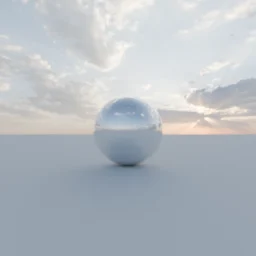
Day, sunset and night skies, HDRI and studio light.
Terrain with hills, platforms and streets that sit on it by themselves.
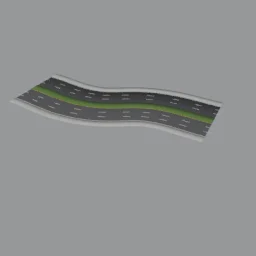
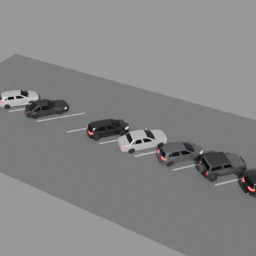
Streets you draw with clicks, highways, bridges and parking lots.
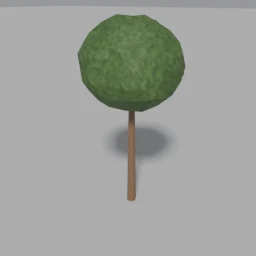
Trees and rocks to complete the surroundings.
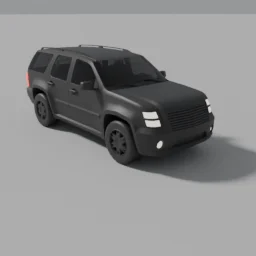
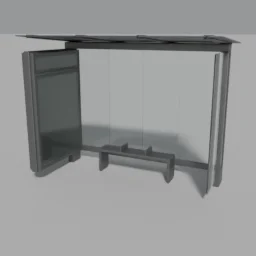
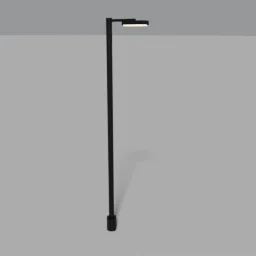
Cars, street furniture, signs, lighting and bus stops.
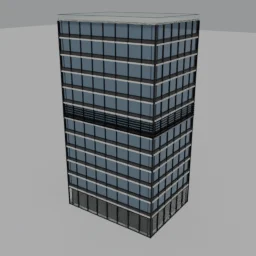
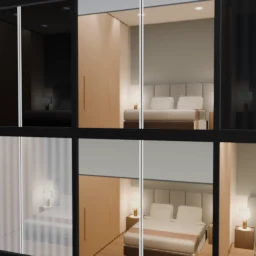
Modular buildings and Q-Maps: windows with interiors.
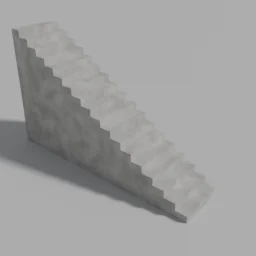
Openings, stairs, railings, profiles and moldings.
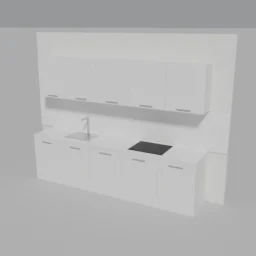
Living room, bedroom, kitchen, storage and lighting, with adjustable sizes.
Construction, metals and glass, floors and exteriors.
Modules, profiles and nodes to build your own variants.
Draw streets, avenues, highways, bridges or railways by clicking in the viewport. Intersections build themselves.
Hills and mountains with flat platforms for your buildings; streets sit on the terrain.
Draw the footprint and get an office or residential building, with ground floor, typical floors and top floor.
Windows with 3D interiors (hotel, living room, office and gym), with different lights, curtains and blinds in every window.
Kitchen, bed, table, shelving and more, with sizes you adjust from the modifier.
One panel button sets up camera, sky and render settings so you can start in seconds.
From My assets, in English or Spanish.
Drag the .zip onto Blender and click Install.
In the Asset Browser, choose the Quadremy library.
Bring the assets into your scene; edit them from the modifier.
Each new version installs on top, without losing anything.
Both: it installs as a Blender add-on and brings the assets organized inside the Asset Browser, along with a panel of tools.
It includes the Blender assets in the catalog marked “or in the Library”. Stack Tower, Q-Maps Pack for Unreal and the Q-Splats and Q-Maps Creator add-ons are sold separately.
No. Q-Library works on its own in Blender. The Unreal Engine and 3ds Max bridges are optional: use them if you work with those programs.
Q-Library doesn’t include any Google data: you use your own Google key and accept Google’s terms. Usage of that key is billed by Google, according to your account.
You pay once and everything added to the Q-Library during its first year is yours forever, including that year’s new versions.
Yes. You can use everything you make with it commercially. You cannot resell or share the files. One license per person.
There is an English edition and a Spanish one. Install the one you prefer.
Yes, 7 days from purchase. For questions, write to [email protected].
One-time payment. Download the library instantly from your Quadremy account, in English or Spanish. 7-day guarantee.
 Google