
Assets and tools
for your ArchViz.
Generators, materials and add-ons for Blender and Unreal that I use in my own projects. Pick a single asset, a tool or get the full Q-Library. One-time payment, no subscription.
Buy only what you need.
Each asset is sold separately and downloads instantly from your account. The ones marked “or in the Library” also come inside the Q-Library.
 New
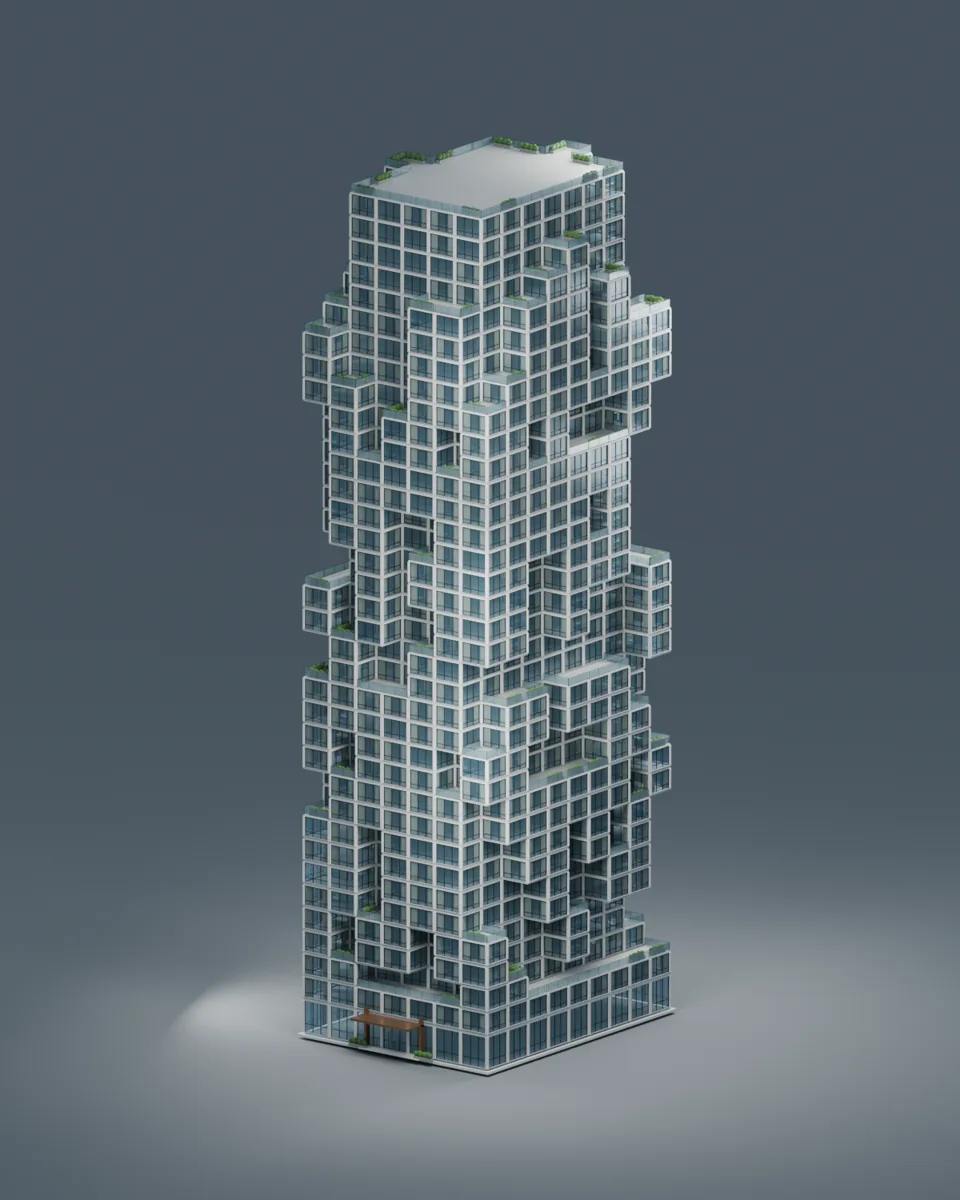
NewStack Tower Generator
Residential towers of stacked modules, with terraces and vegetation. A new building with every seed.
 New
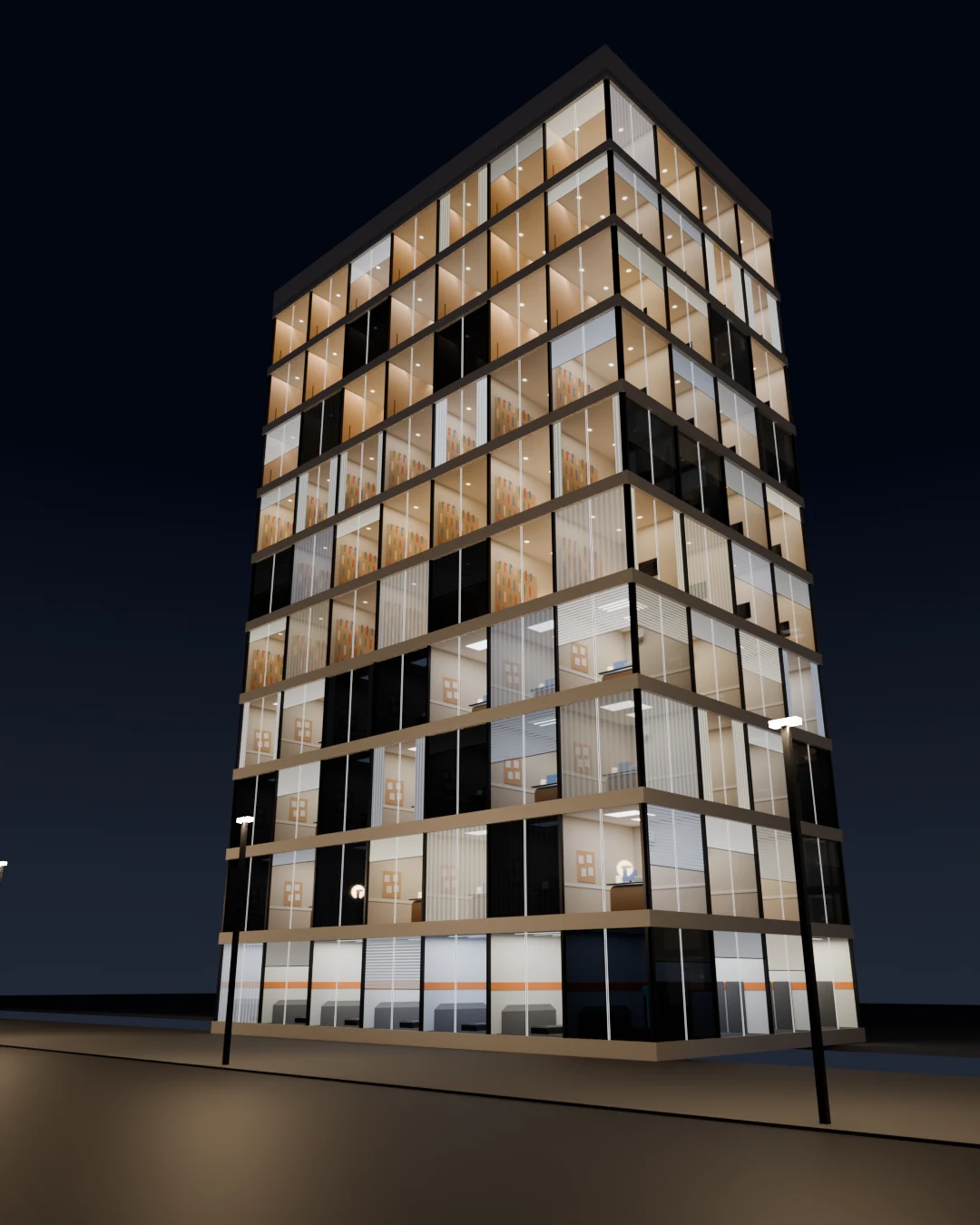
NewQ-Maps Pack · Window Interiors
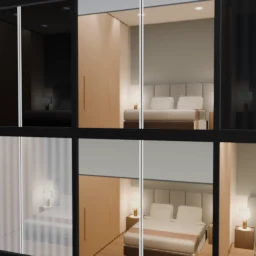
Rooms with real depth behind every window, with a single material. Hotel, living room, office and gym, by day and by night.
 Soon
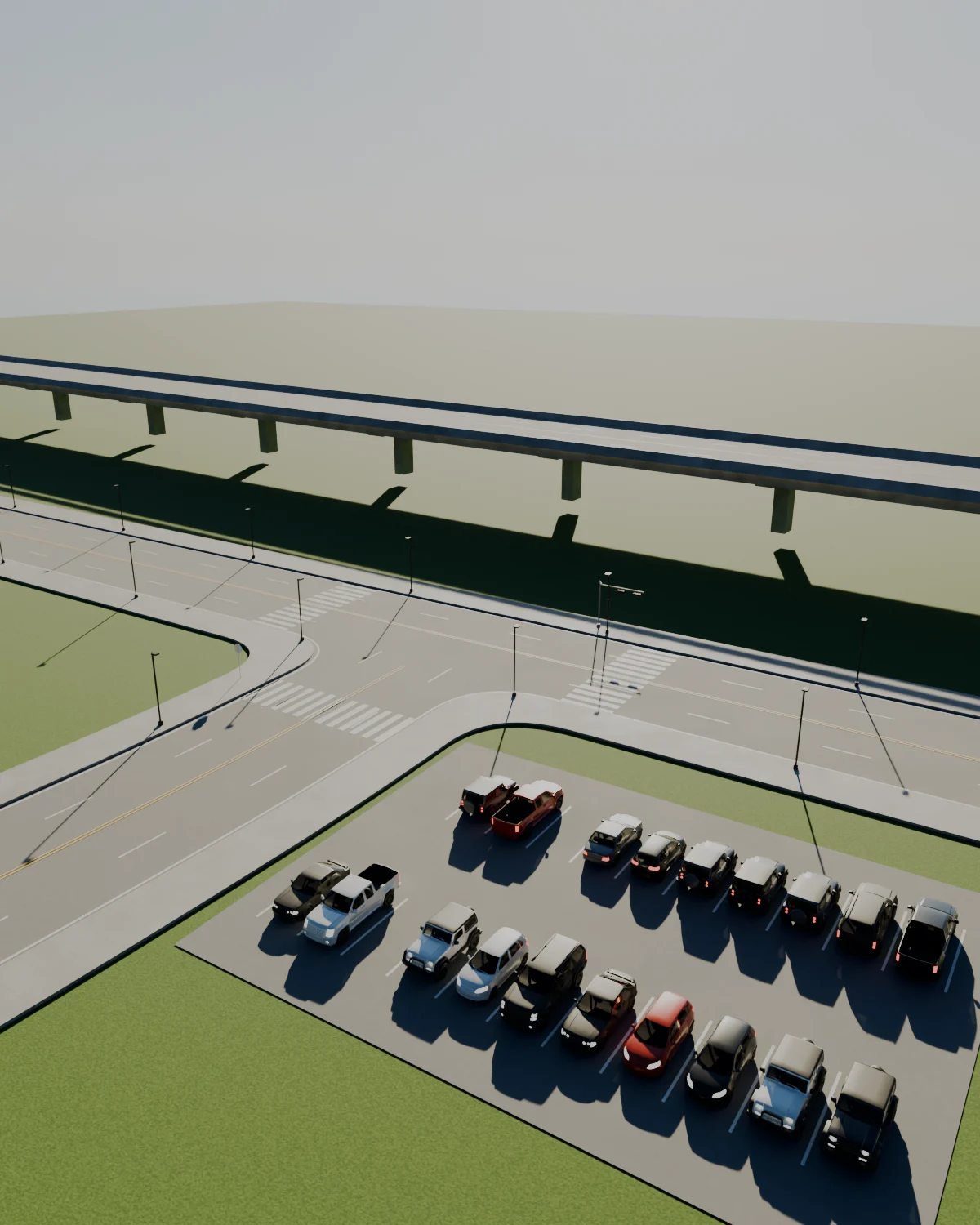
SoonStreets and parking kit
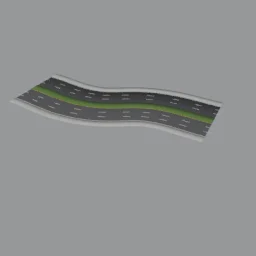
Avenues, an elevated bridge, 90°, 45° and parallel parking, crosswalks and street lighting, all following a curve.
 Soon
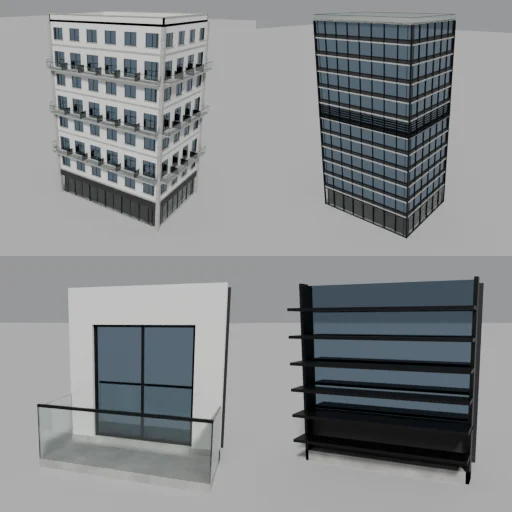
SoonModular building
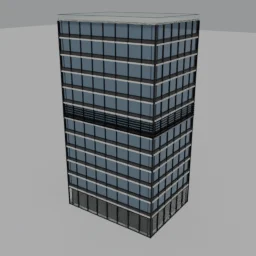
Draw the floor plan and get an office or residential building, with ground floor, typical floors, corners and top floor. It also works with L-shaped plans.
 Soon
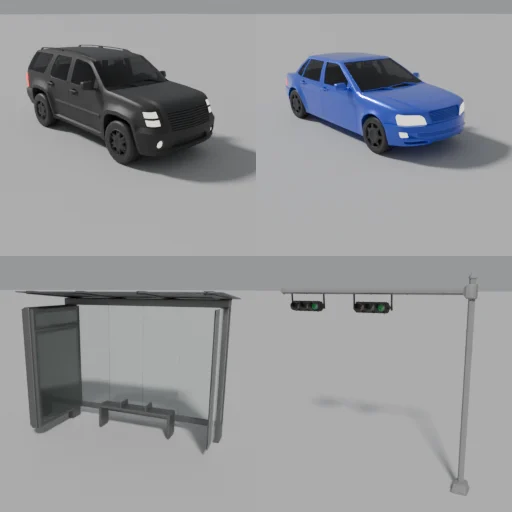
SoonCars and street furniture
Six cars with adjustable color and over twenty street pieces: bus stops, traffic lights, benches, bins, lighting and signs.
 Soon
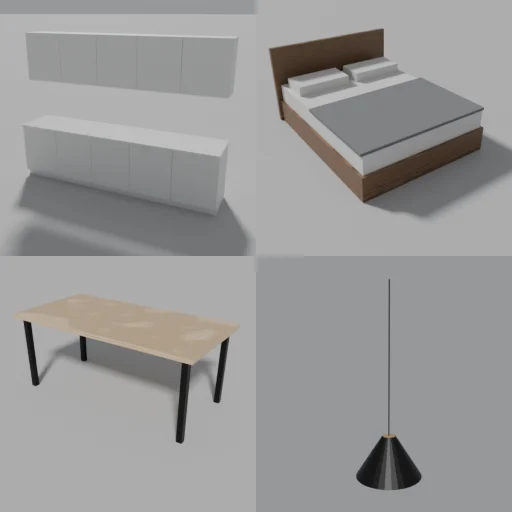
SoonParametric interiors
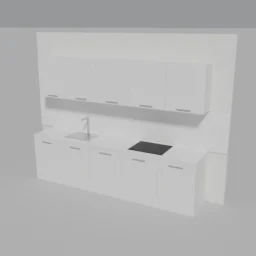
Kitchen, bed, table, shelving and more, with adjustable dimensions. Plus profiles for baseboards, moldings and handrails along any curve.
I'll keep adding the files I use in my projects. Leave your email at the bottom of the page and I'll let you know when I publish a new one.
Add-ons to create your own.
These aren’t ready-made files: they’re tools you install in Blender or on your PC to produce your own assets, splats and images.
 Presale
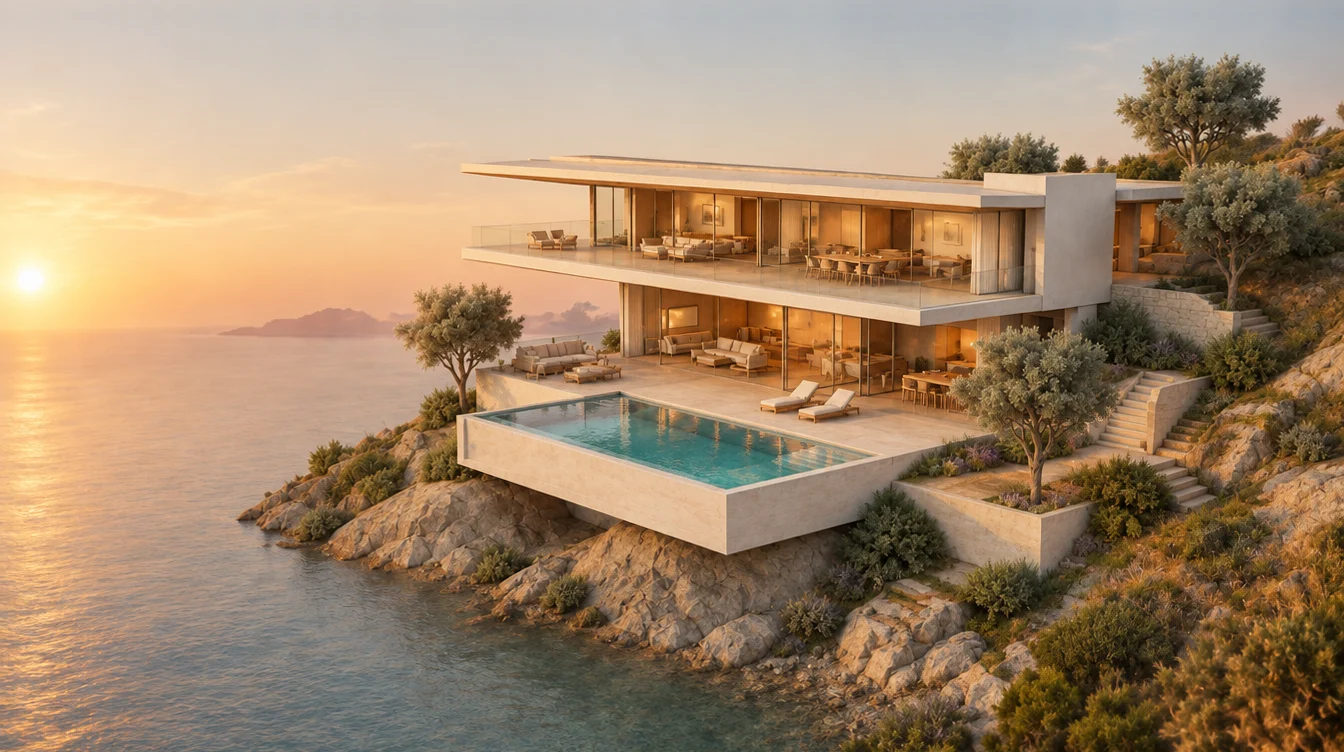
Q-Splats
Plan, validate and produce Gaussian Splatting from Blender, with a bridge to Unreal Engine and virtual reality.
 Presale
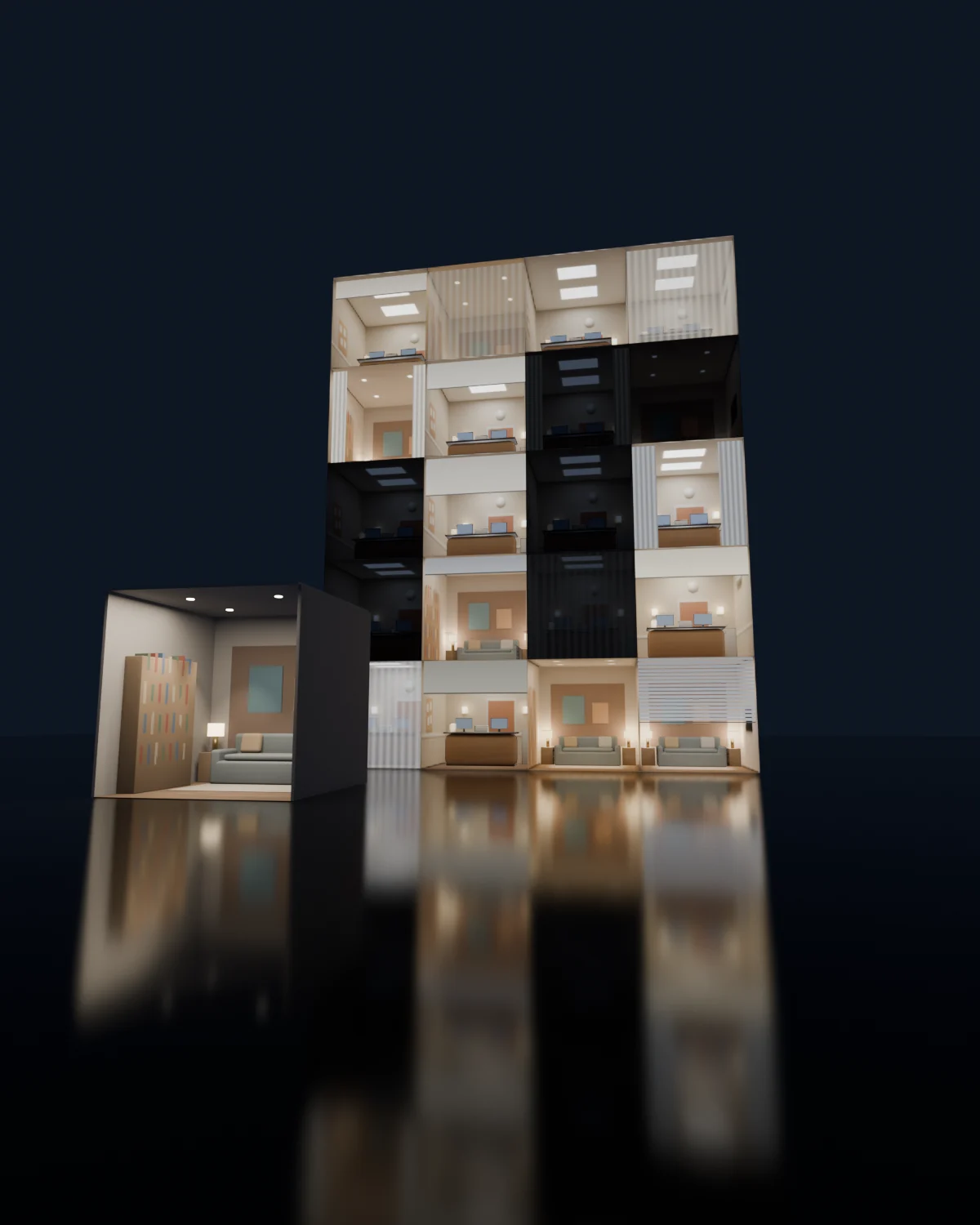
Q-Maps Creator
Build your own Q-Maps: furnish a room in Blender, press one button and get the window material for Blender and Unreal, as layers or real 3D volume, by day and by night.
 Waitlist
Quadremy Studio
The local AI app for ArchViz: images, videos and deliverables from your own PC.
Q-Library: the whole library inside Blender.
Over 170 ArchViz assets and tools organized in the Asset Browser: skies, terrain, streets, buildings, interiors, materials and human scale. Drag them into your scene and you’re done.
- Includes the Blender assets in the catalog marked “or in the Library”
- Everything added during its first year
- Commercial use, in English and Spanish
- Lighting
- Terrain
- Streets and roads
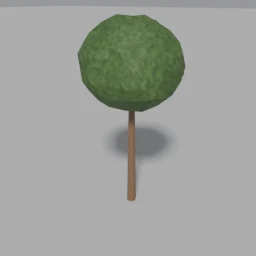
- Vegetation and landscape
- Street furniture
- Context architecture
- Architecture
- Interiors
- Materials

 Real render from the generator · Cycles
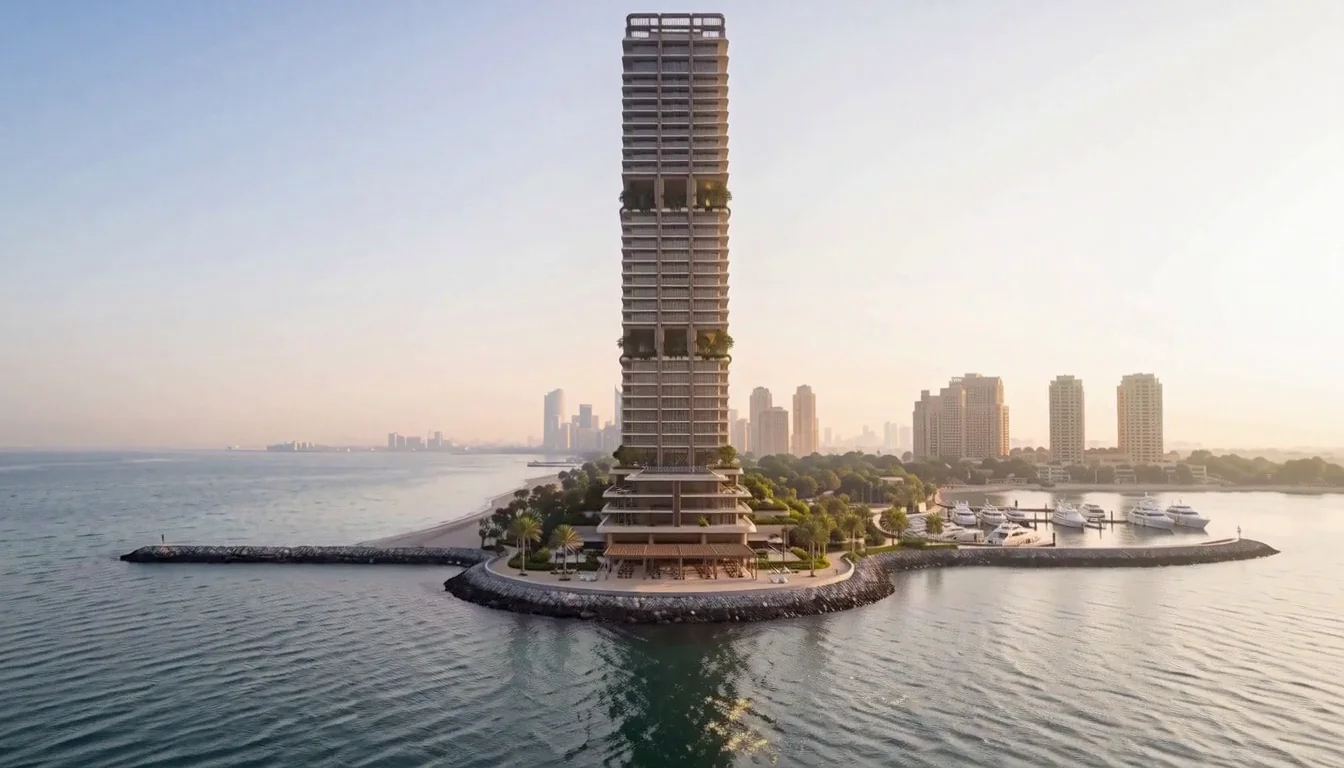
Stack Tower Generator
A generator of residential towers made of stacked modules. Change the seed and get a new building in seconds, with voids, terraces, vegetation, curtains and an entrance canopy. Everything is handled with 20 controls in the modifier, no add-ons needed.
- 20 controls: grid, height, seed, voids, terraces, curtains and entrance
- 11 materials, studio lighting and camera
- English and Spanish versions, with a getting-started guide
- No add-ons: all built with Geometry Nodes
Tested on Blender 4.5, 5.0 and 5.2.
Stack Tower Lite
- Buildings up to 12 floors
- The same 20 controls
- Materials, studio lighting and camera
- In Spanish and English
Stack Tower Generator
- Towers up to 35 floors
- Everything in the Lite
- Commercial use of your renders and animations
- 7-day guarantee
Real render in Blender · CyclesQ-Maps Pack
Window Interiors
Fake rooms with real depth for your building windows. With a single material, every window shows an interior whose perspective changes as you move, without modeling anything inside.
Pay by card, Mercado Pago or PayPal. Secure checkout with Hotmart and a 7-day guarantee.
- 4 rooms: hotel, living room, office and gym, by day and by night
- Unreal: master material with an automatic installer
- Blender: Q-Maps Volume (3D) and Q-Maps Layers (lighter)
- Different lights, curtains, blinds and mullions in every window
- PDF manual and commercial use of your renders
- New rooms are free for you
Tested on Unreal Engine 5.7 and 5.8 and on Blender 4.5, 5.0 and 5.2.
Learn with me.

What you should know.
How do I get what I buy?
Once the payment is confirmed you get an email with access, and everything stays in My assets on quadremy.com, under the email you used to buy. Every asset comes in English and Spanish.
How do pre-sales work?
Q-Splats and Q-Maps Creator are bought today at the pre-sale price and delivered by December 15, 2026 at the latest. That day they show up in My assets and I’ll let you know by email.
What’s in the Q-Library and what’s sold separately?
It includes the Blender assets in the catalog marked “or in the Library”, plus everything added in its first year. Stack Tower, Q-Maps Pack for Unreal and the Q-Splats and Q-Maps Creator add-ons are sold separately.
Can I use them in client projects?
Yes. The renders, images, animations and walkthroughs you make are yours to use commercially. What’s not allowed is reselling or sharing the files. One license per person.
What do I need to use them?
Stack Tower: Blender 4.5 or later, no add-ons. Q-Library: Blender 4.2 or later, tested in 4.5, 5.0 and 5.2. Q-Maps Pack: Unreal Engine 5.5 to 5.8 on Windows, or Blender 4.5 or later; in Cycles, Volume works out of the box from Blender 5.2. Each tool lists its requirements on its own page.
Can I take the models to another program?
Yes. In Blender you apply the modifier, get a regular mesh and export it as FBX, OBJ or GLB to Unreal Engine, 3ds Max or another program. The materials are Blender materials, so you’ll need to reassign them in the other program.
Do I get updates?
Yes. New versions show up in My assets at no cost: new Q-Maps Pack rooms and, in the Q-Library, everything added during its first year.
How do I pay?
By card, Mercado Pago or PayPal, through a secure Hotmart checkout.
What if it doesn't work for me?
You have a 7-day guarantee: if it doesn’t work for you, I’ll refund your money. For questions, write to [email protected].
I'll let you know when there's a new one.
Leave your email and I'll write to you when I publish a new generator, scene or guide. No spam.
 Google